
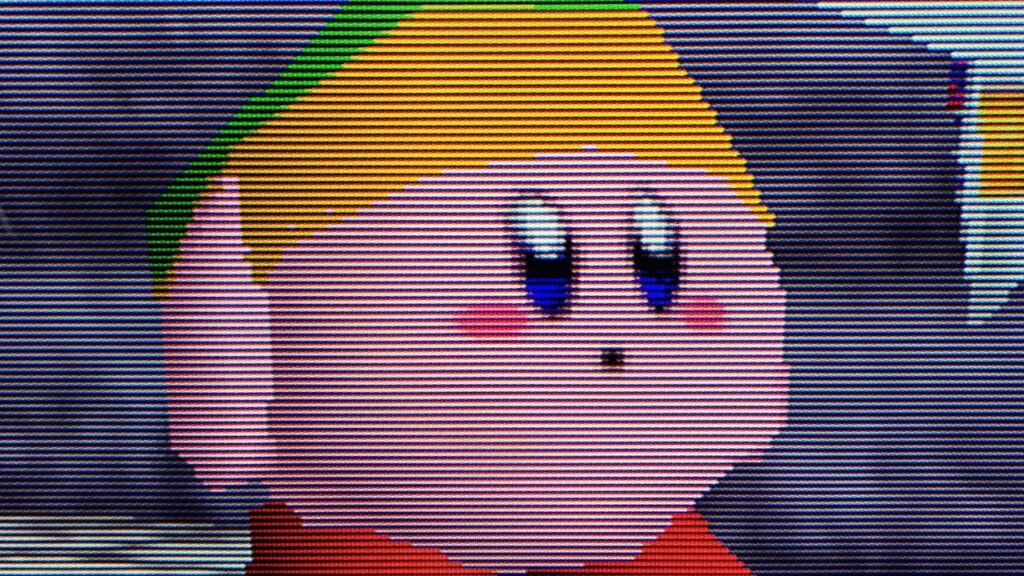
It’s time to update your Analogue 3D firmware, as Version 1.2.5 just dropped. This time around, the FPGA N64 patch includes “Advanced HDR” features that give the retro console’s original display filters a brightness and color gamut boost that’ll help your OLED screen almost like a real CRT TV.
According to the Analogue 3D Version 1.2.5 patch notes, the advanced HDR features are “designed for OLED displays.” That’s going to sting if you’re using a conventional LED display, but the console maker says “recreating a CRT beam demands high peak localized brightness.” Effectively, the update helps the N64 system’s Original Display Modes tap into HDR brightness and color gamut perks to give each individual pixel the same kind of punch as an old tube TV.
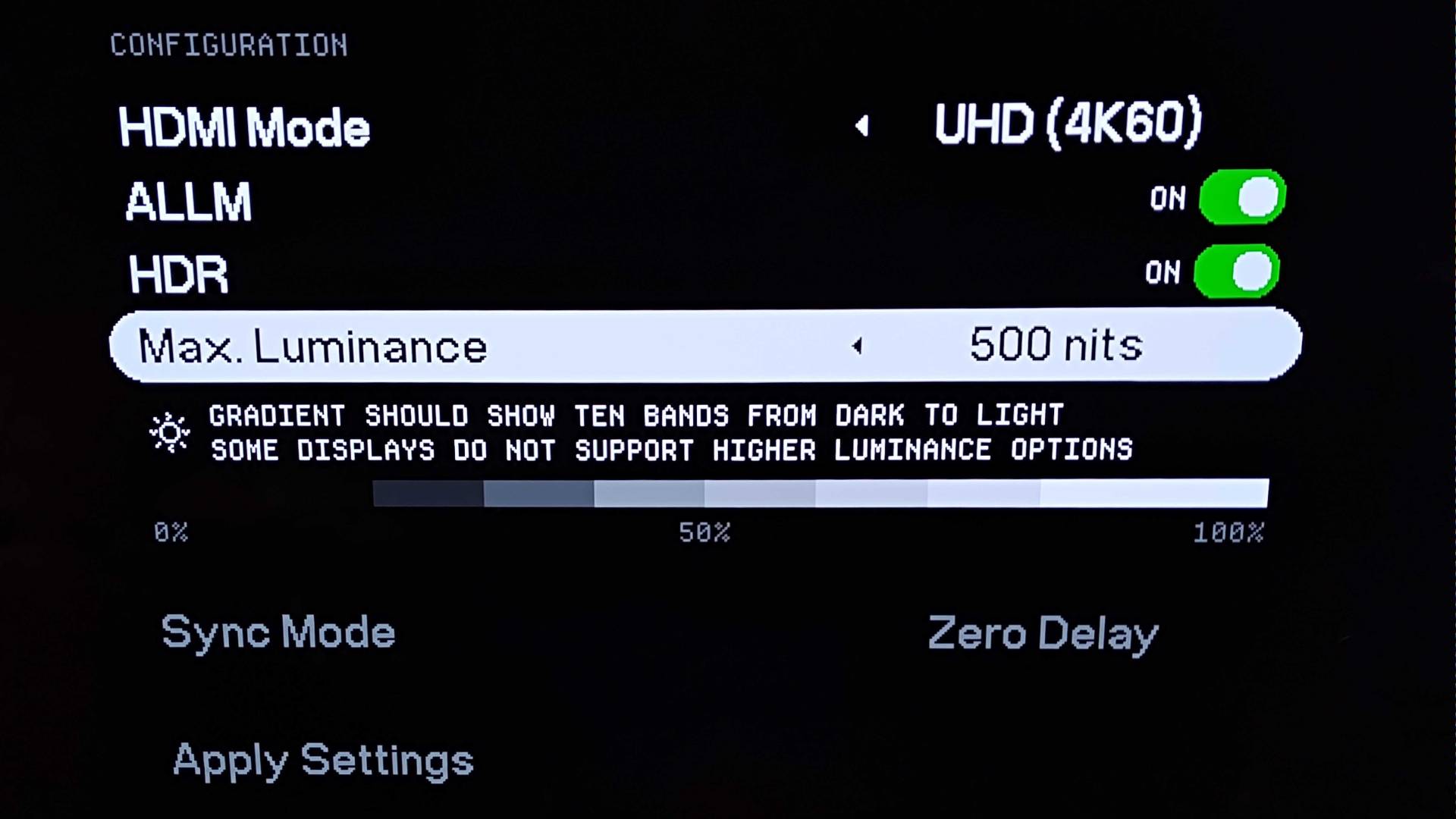
Before your OLED display can properly cosplay as a specific CRT TV or high-end PVM, you’ll need to tweak the Analogue 3D’s new “Max. Luminance” display settings. Just like with the Switch 2 or PS5, you’ll want to disable Tone Mapping or set your screen to HGiG (HDR Gaming Interest Group) for the best results. That’ll basically let you accurately dial in visuals so that specific clusters of pixels have variable brightness rather than uniform.
Analogue’s Original Display Filters were already the closest thing you can get to actual CRT visuals. That’s coming from someone who has more than a few old screens to hand and a Sony Trinitron permanently on their desk, so I’d be the first to complain about crummy effects.
8Bitdo N64 controller | from $39.99 at Amazon
We’re not talking about mere overlays here, as the 3D’s modes mimic the exact look of Sony’s CRT Aperture Grille tech and shadow mask techniques. While you can sharpen up N64 visuals on new screens using a cheap scanline generator, Analogue’s approach adds a sense of pixel separation that really helps combat the muddy look of the console’s visuals on new screens using an array of RGB clusters, just like tube sets.
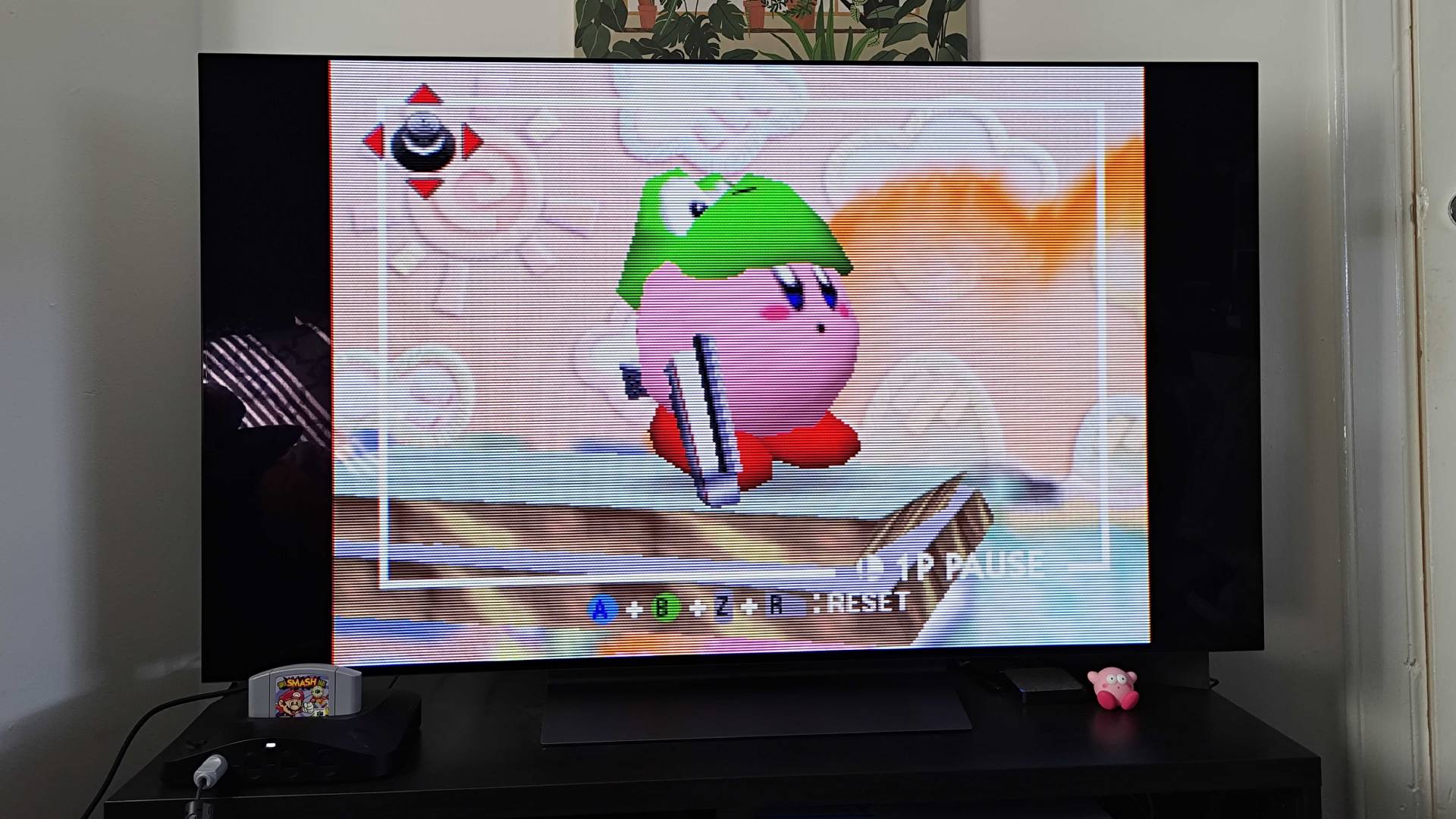
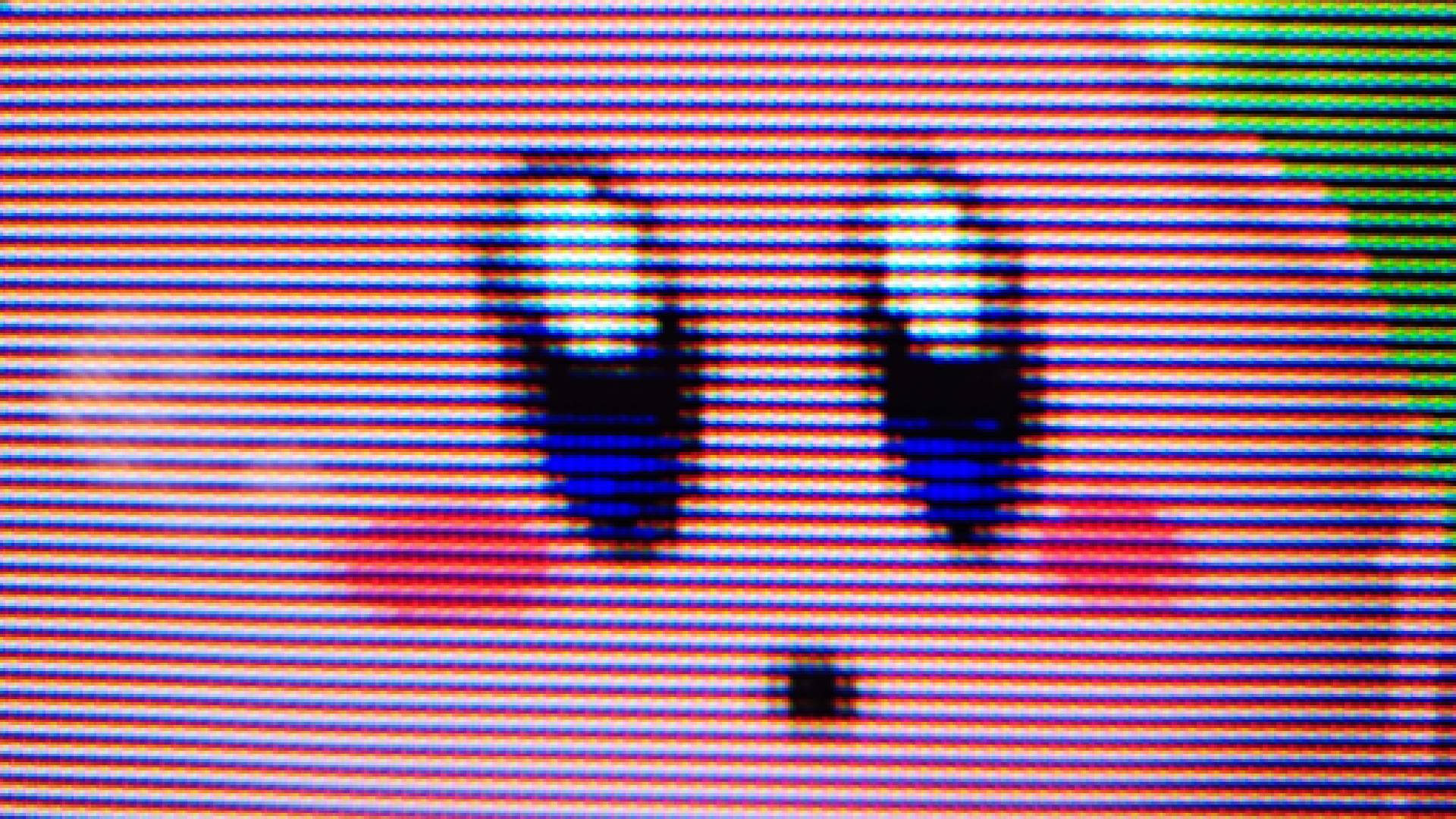
What 1.2.5 addresses is the caveat of reduced brightness, as while Analogue’s filters are superior to basic scanlines, the same caveats apply. By harnessing HDR, the 3D can better apply specific brightness to specific pixel groups while still having what boils down to tiny black lines of separation, meaning you’re getting illumination that’s closer to the look of high-speed electron beams smashing into a phosphorus coating.
Over the weekend, I spent some time playing Super Smash Bros on the Analogue 3D with the new HDR features switched on. It’s hard to properly compare playing on a 55-inch LG OLED TV to a CRT screen since the latter are inherently smaller (my Trinitron is 14 inches), but upon seeing that intro spotlight fall upon Fox, I could immediately see the differences in how the console now localizes brightness while keeping the darker areas lower.
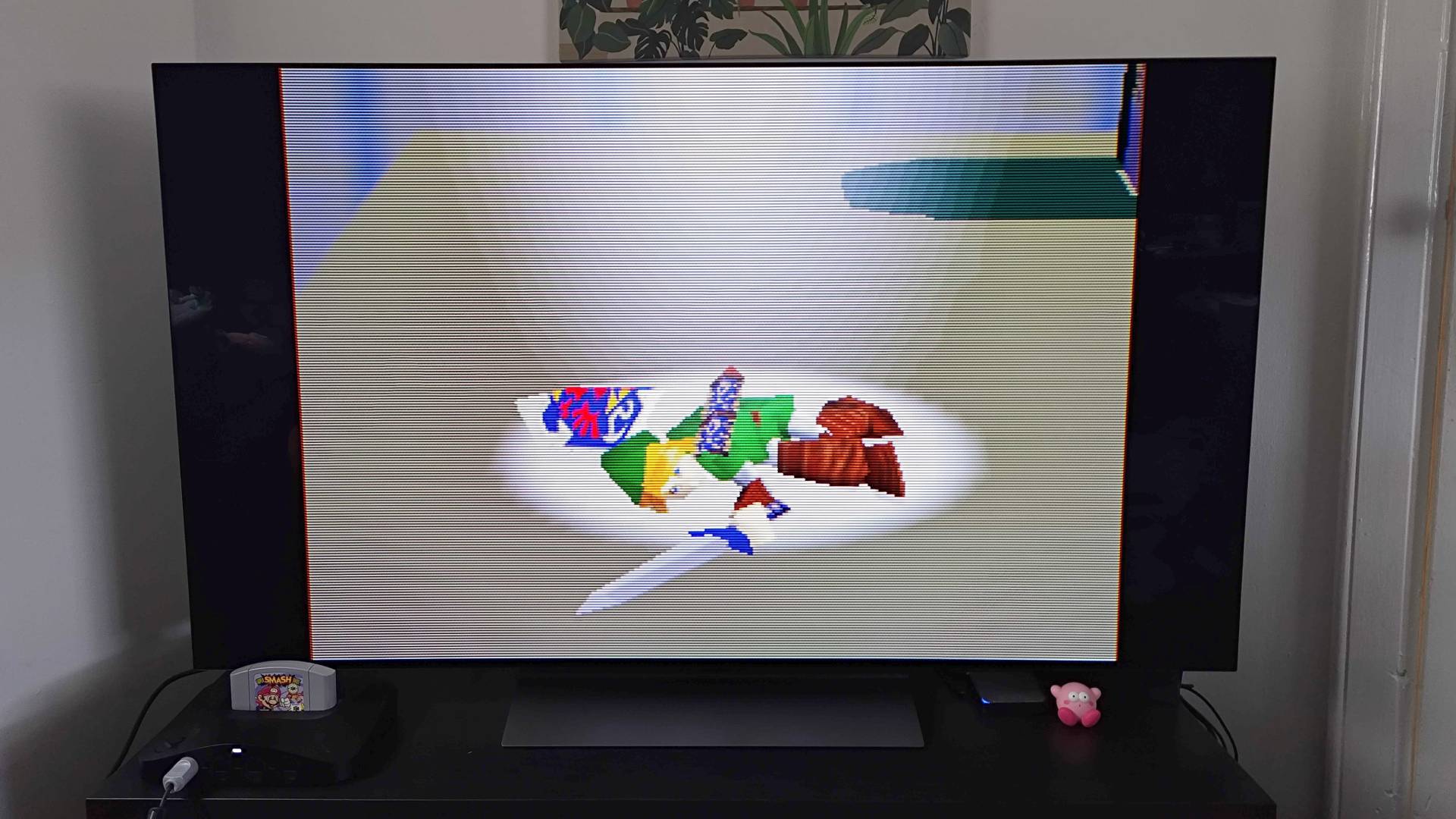
The aim here is to make it look like the electron gun is behind your TV’s glass, drawing each frame in lines rather than using a 4K resolution progressive scan. By doing so, OLED screens can use localized dimming to produce something closer to the near-perfect blacks and pixel-by-pixel controlled illumination. While you will need a pretty pricey display to properly treat your eyes to the effect, it’s pretty damn impressive to see Analogue further perfect its tech and capture the essence of playing via CRT.
Old tube TV tricks aside, 3Dos Version 1.2.5 also improves library responsiveness while adding an alphabetical index, adds automatic 8Bitdo N64 controller Rumble Pak support for specific games, and polishes the operating system visually. As for fixes, ALLM and HDR setting quirks on 1080p panels, library organization quirks, and hiccups with updating when a blank SD card is inserted have all been addressed. You can now also pair controllers in-game without jumping into the settings menu, which helps multiplayer setup feel a bit slicker.
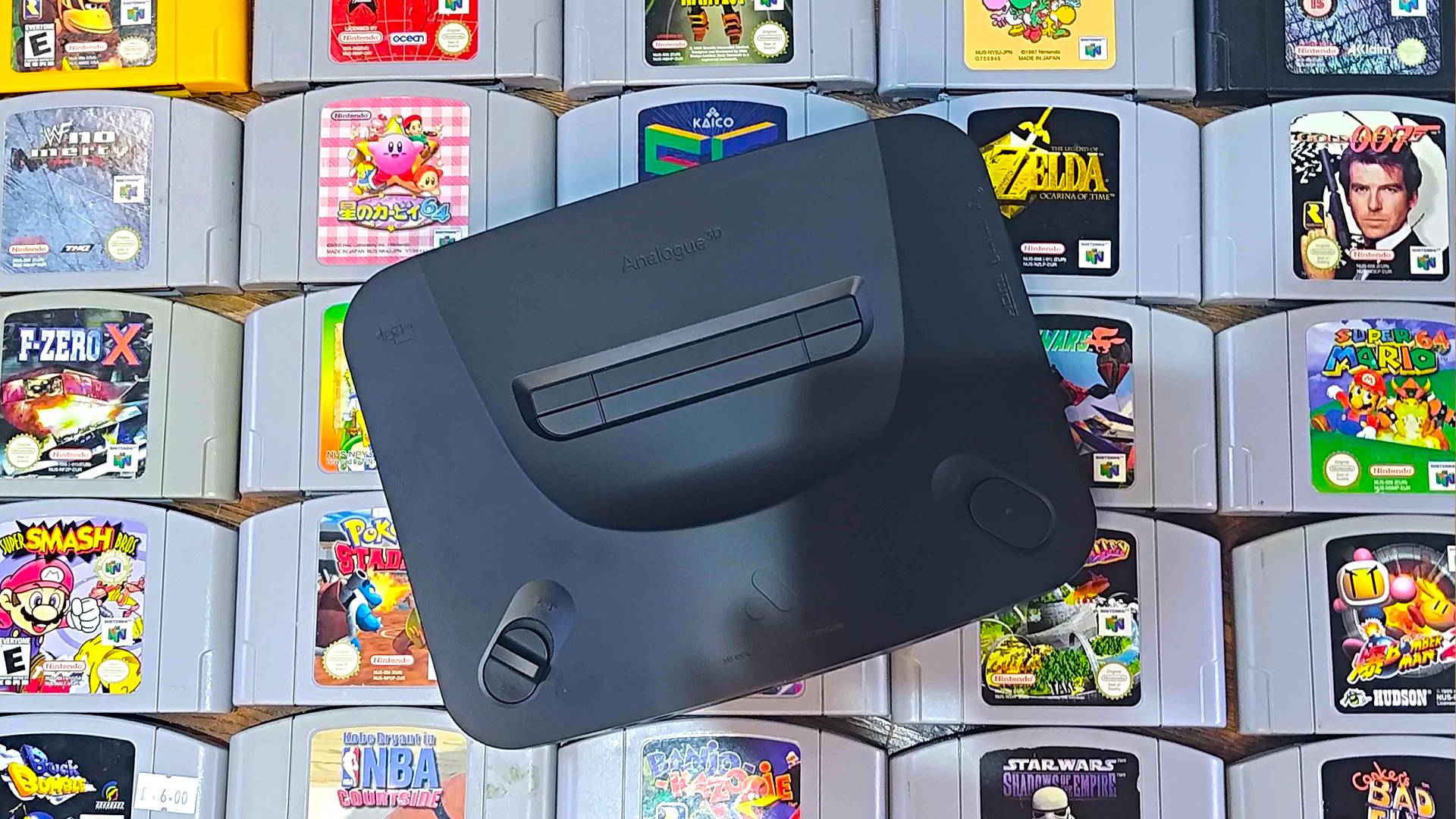
Of course, plenty of 3D owners will be wondering why Analogue hasn’t delivered on promised features like screenshots or save states. There’s a good chance those perks will pop up in version 1.3 since they feel more like entirely new elements rather than existing refinements, so I’ll let you know ASAP if and when those tricks drop on the 4K N64.
Looking to play your N64 blacklog on the go? Swing by the best retro handhelds for emulation portables and more.