
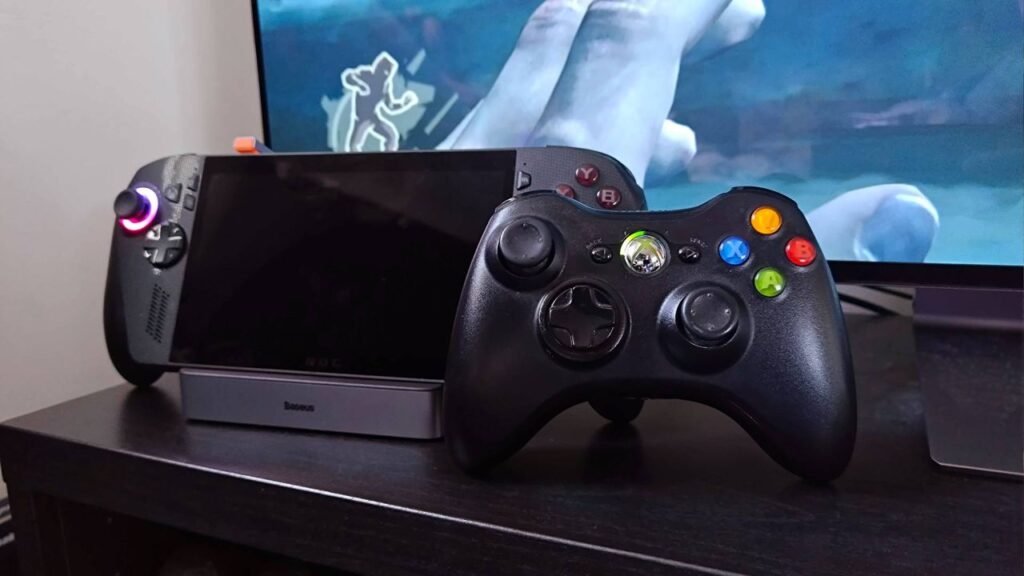
Hey, Microsoft, I know you don’t need me talking about Xbox 360 hardware in the big 26, given your seemingly turbulent internal situation. Talking about parking the ROG Xbox Ally X onto a Steam Deck dock probably isn’t going to help either when you’re looking ahead to Project Helix, but you know what? I reckon my current setup highlights the glory days of your console endeavors.
Xbox 360 adapter | Aliexpress
Baseus dock | $44.99 at Amazon
Xbox Ally | from $549 at Best Buy
If I’m being real, the following setup PSA is really just me highlighting that your crusty old Xbox 360 controller works with the best gaming handhelds today. That sounds slightly wild, and I admittedly decided to start using the aging gamepad again after a sleepless night of overthinking about an old wireless PC adapter still in my box of cables.
Essentially, if you arm your handheld with the right docking station and the aforementioned wireless doodad, you can treat your portable like an Xbox 360 mini. Before you click away in fear of any weird emulation shenanigans or custom modding, just know I’m only talking about straight-up playing a bunch of Steam games that are late 2000s appropriate, and using the right gamepad for the job will help transport you back to Microsoft’s peak console era.
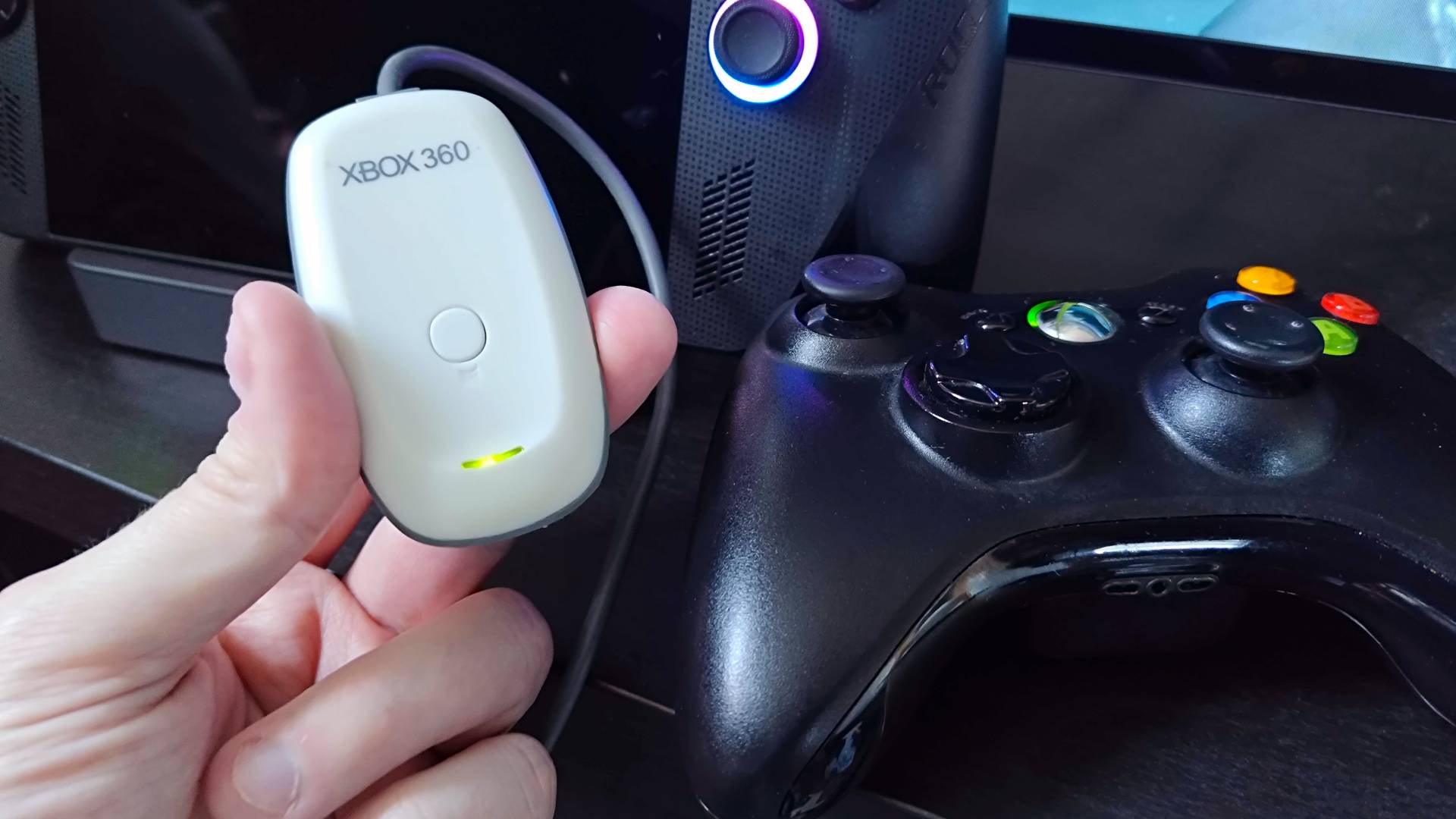
Let me quickly run through exactly what I’m using before I talk about the actual experience, as I’ve only mentioned the ROG Xbox Ally X by name so far. The other key ingredients to my seventh-gen faux setup are a compatible docking station (Steam Deck dock, if you will) like the Baseus 6-in-1, and an Xbox 360 Wireless adapter for PC. I’m using an official Microsoft receiver (check eBay if you want one of those) from back in the day, but believe it or not, you can still pick up replicas at Aliexpress for pretty cheap.
The receiver is designed to sync to your old 360 pads just like the original console, and even the button on top feels like the system’s toggle. You will have to install the right drivers, but rather than hunting down software, you can use the Windows 11 wizard to select existing drivers from Microsoft’s library, and there are still compatible versions lingering within the menus.
Naturally, Windows 11 can be a bit of a pain, but I was able to install the Xbox 360 onto the Xbox Ally X without a hitch. Better still, the buttons all mapped exactly how they should be, and the middle button even activates the Gamebar. This isn’t really that surprising since Microsoft’s gamepad was really the first mass-market PC gamepad that made Xinput a standard.
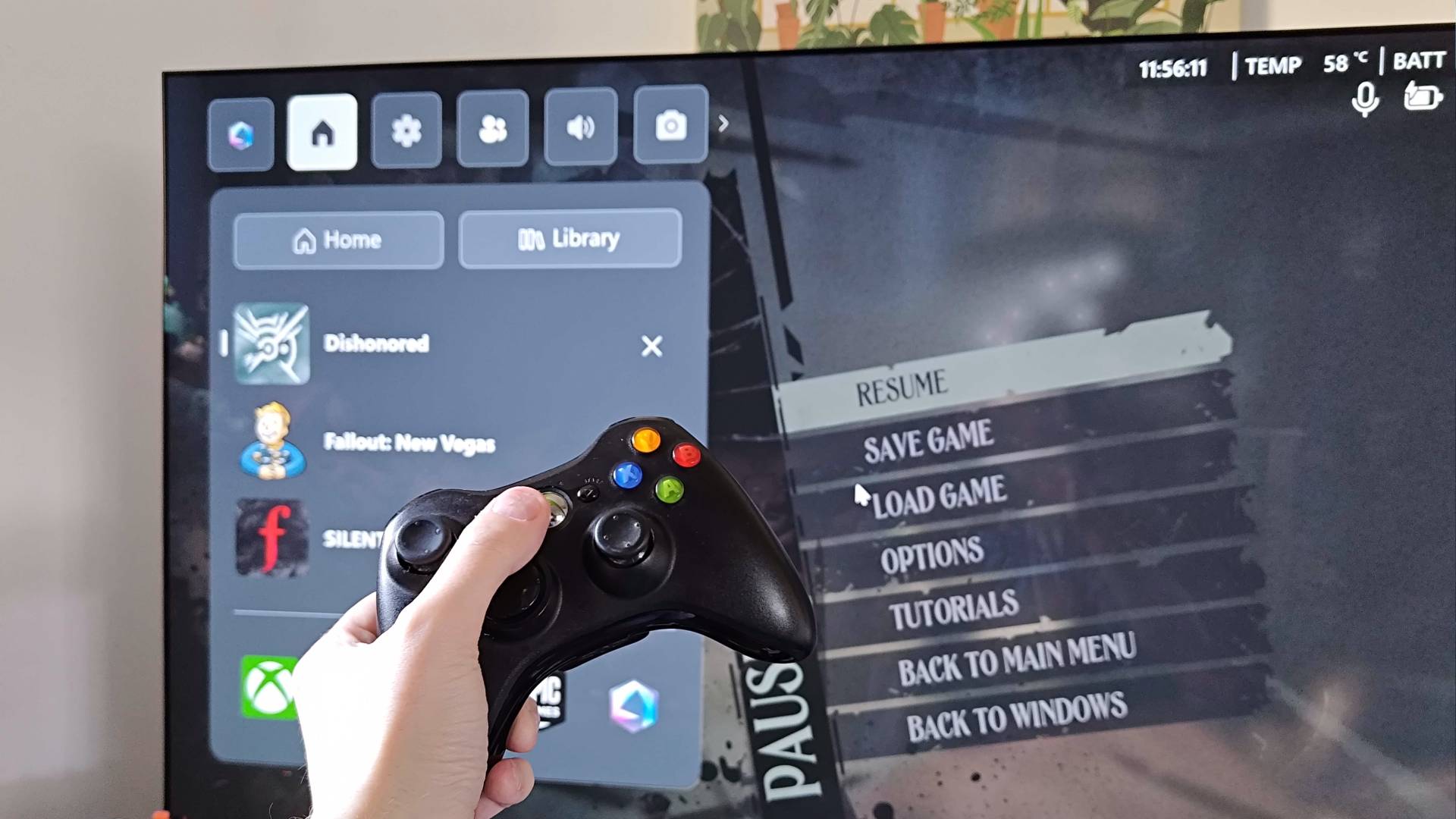
If you’re using a Steam Deck OLED, fear not, as the receiver will work with SteamOS too. In fact, if you’re not fussed about wireless, you can just whack in a USB version and start playing. I really wanted to use my old AA munching pads with a handheld, though, partly for novelty, but also because the wireless Xbox 360 controller is still one of my favorite controllers to this day.
I should say that the Xbox 360 gamepad isn’t going to bring anything extra to games above and beyond the best PC controllers. In fact, I’ll be sailing purely on vibes here, so if you’d rather just play a bunch of classics from up to 20 years ago on something contemporary, you can obviously do that. All I’m saying is that playing Fallout New Vegas, Bioshock, and even slightly newer romps from that generation like Dishonored feels really authentic, and since I’m the same loser who studies the best retro consoles and original setups for a living, you should expect nothing less.
If you take anything away from my daft setup of the week, let it be this: picking up a dock for your handheld opens up possibilities. Whether you’re really just looking to make Valve’s handheld into a cheap Steam Machine alternative before the box arrives, or you want a Nintendo Switch-inspired experience without the wild eShop game prices, a docking station will help you do that.
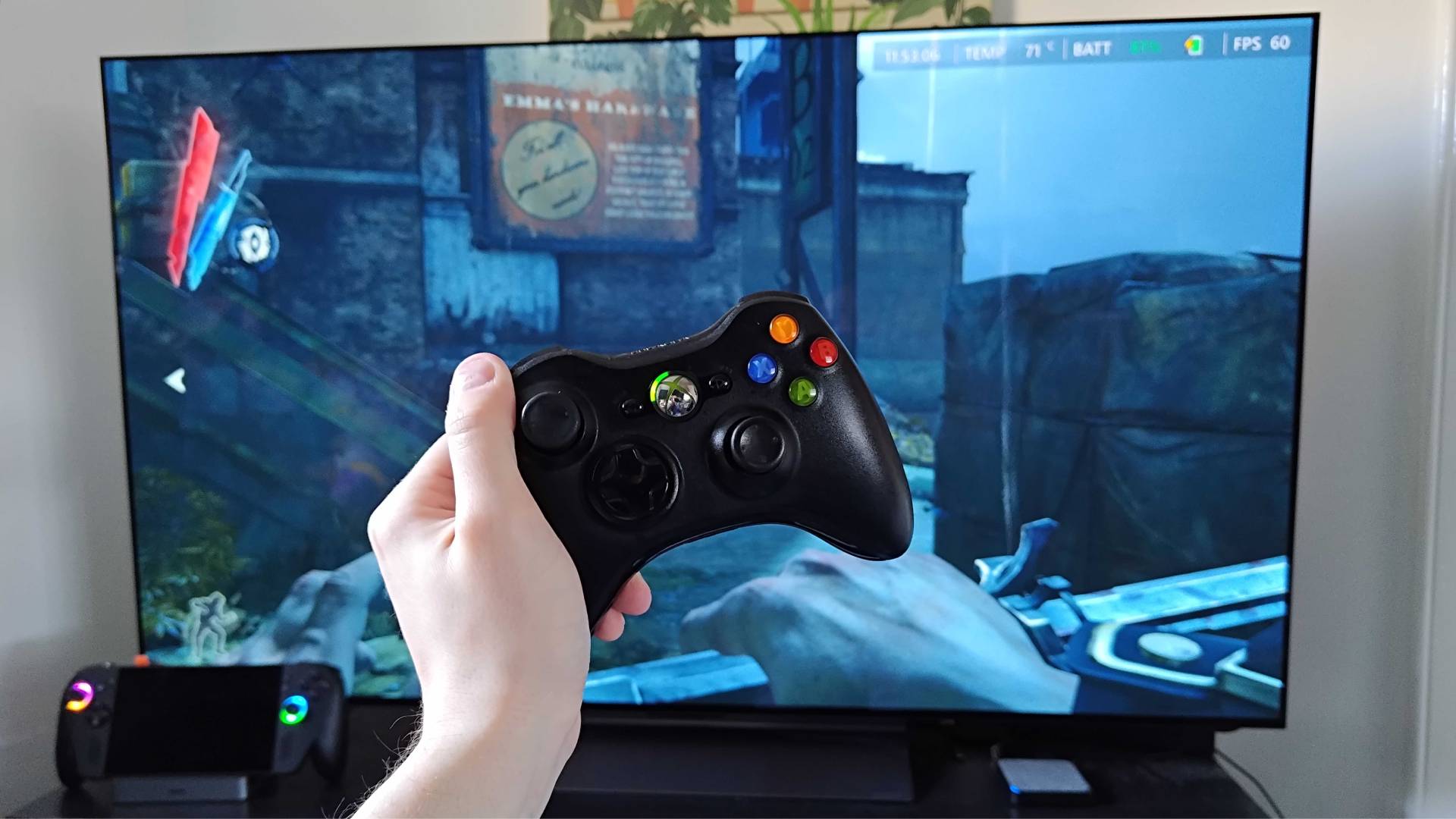
All you need to do is decide how many USB ports you need your dock to have, whether you’d prefer HDMI or DisplayPort, and whether you need it to travel well. Otherwise, there’s nothing stopping you from turning your portable into something that feels like a tiny Xbox 360 in 2026, and it could help prepare you for when emulation becomes a proper thing on PC.
Looking for a way to play the classics on the go? Swing by the best retro handhelds for emulation devices and more.