
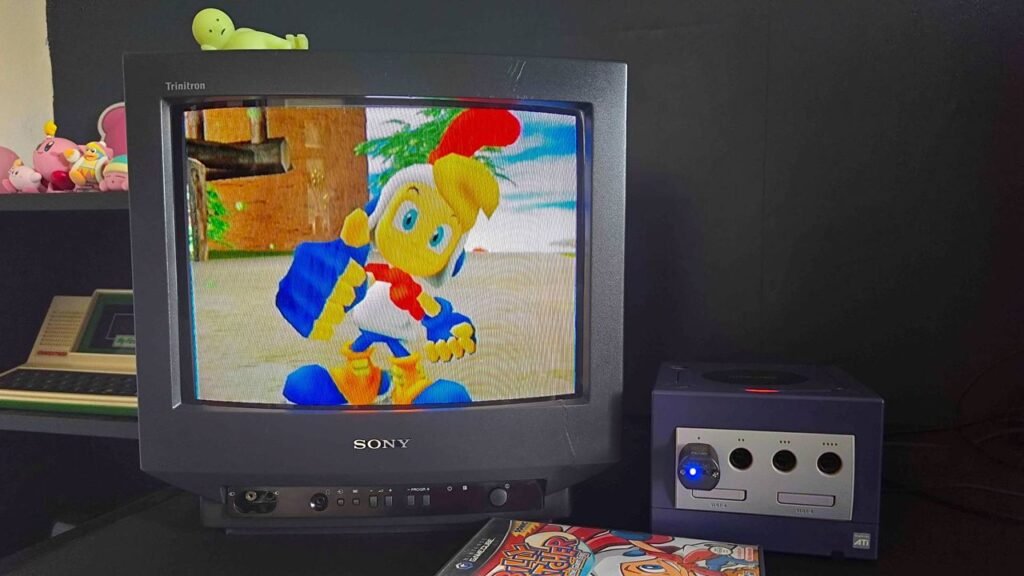
Perhaps there isn’t such a thing as an Easter video game, but if there is one, it has to be Billy Hatcher and the Giant Egg. Yes, that sounds like a made-up AI hallucination, but believe me when I say it’s a real GameCube exclusive by Sega from 2003. Eggy title aside, it also ties in with the holiday, at least if you’re where I’m from, far more than you’d expect, and playing on original hardware has swiftly become a yearly tradition in my household.
At this point, my lovely American readers are likely assuming that Billy Hatcher and the Giant Egg features the Easter Bunny or peanut butter-filled chocolate ovals. Instead, the weird Sega platformer actually borrows elements from how my country, the sunny land of Scotland, celebrates the holiday, since the main gameplay loop involves rolling eggs.
No, really, rolling hard-boiled eggs down a hill on Easter Sunday is a thing in Scotland, and I’d argue that qualifies Billy Hatcher’s GameCube romp as an Easter game. Therefore, it’s my duty as GamesRadar’s resident retro gaming editor to introduce you to the oddball 3D outing, provide you with some original console setup inspiration, and introduce you to Sonic the Hedgehog’s strange chicken-suit-wearing cousin.
A weird, but cracking GameCube exclusive
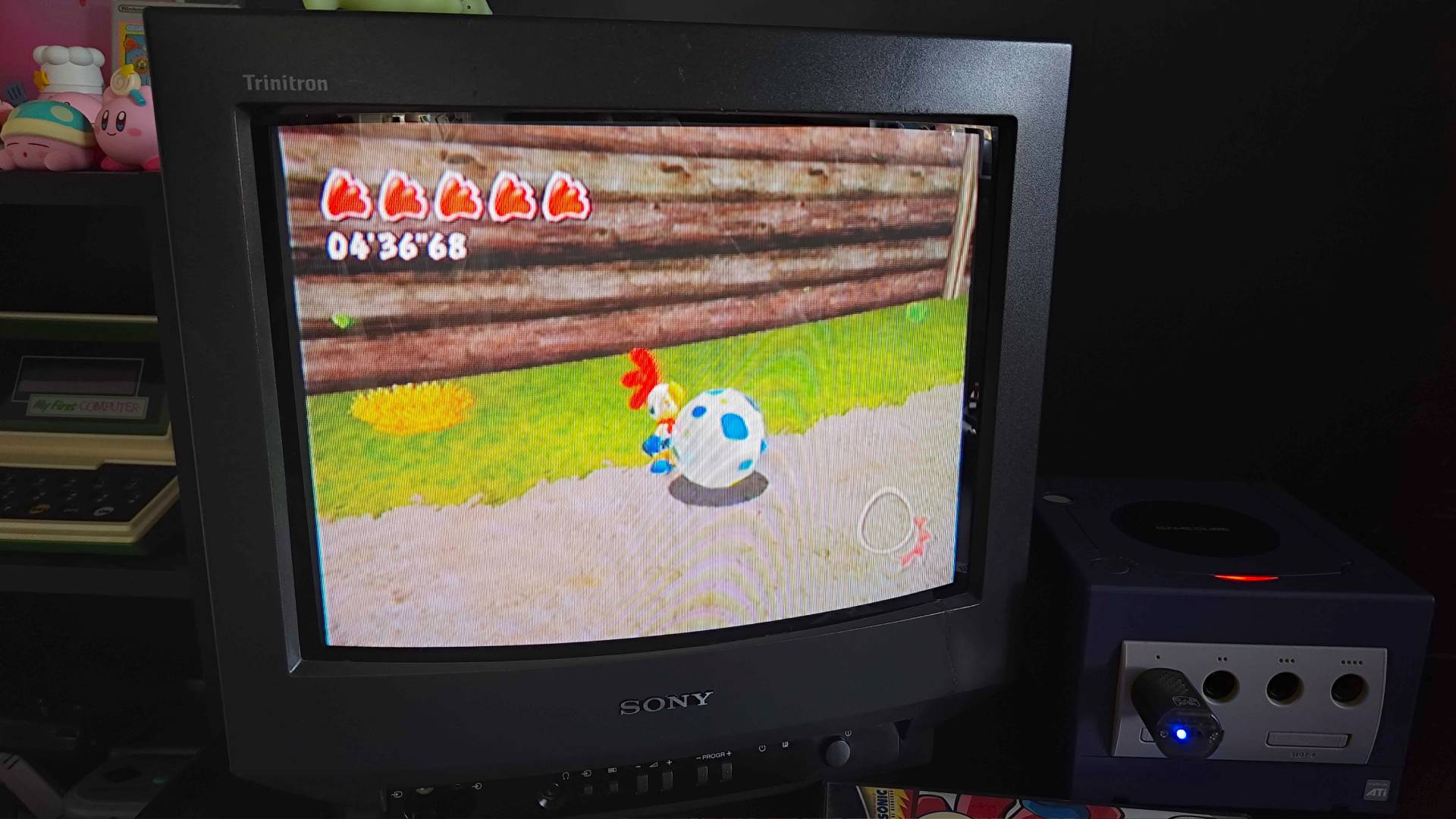
Created by Sega’s Sonic Team and veteran designer Yuji Naka, Billy Hatcher and the Giant Egg is slightly stranger than even its title suggests. Yes, you’re a young boy on a quest to roll around oversized ovum, but the plot also features an antagonist dubbed “Dark Raven” and an army of crows hellbent on terrorising the chicken inhabitants of “Morning Land” with the threat of eternal night.
Blueretro controller adapter | $25.64 at Amazon
NSO GameCube controller | $69.99 at Nintendo
FlipperMCE Memory card | $35.99 at Amazon
If I were you, I wouldn’t look too deeply into the plot of this Sega platformer. All you need to know is that Billy and his pals, Bantam Scrambled, Chick Poacher, and Rolly Roll are transported to Morning Land after saving a chick from a crow. Yes, the crew’s thematic names are all coincidental, and I’d find that weirder if the only person I know in real life with the surname Hatcher didn’t also keep chickens in her backyard. All you really need to know is you’ll be rolling massive eggs and squashing birds in a bid to free six Chicken Elders (ah, yes, the true meaning of Easter).
Mechanically, Billy Hatcher and Giant Egg feels like a blend of Sonic Adventure 2 and traditional 3D platformers with just a hint of Super Monkey Ball. You’ll be smashing, dashing, and rolling eggs in a bid to feed them fruit (?) to grow their size, in turn allowing you to progress through each level. It’s hard to explain, but the mechanics feel specifically suited to the original GameCube controller, especially since you’re primarily using the back triggers to control your egg and simple stick movements to bowl around.
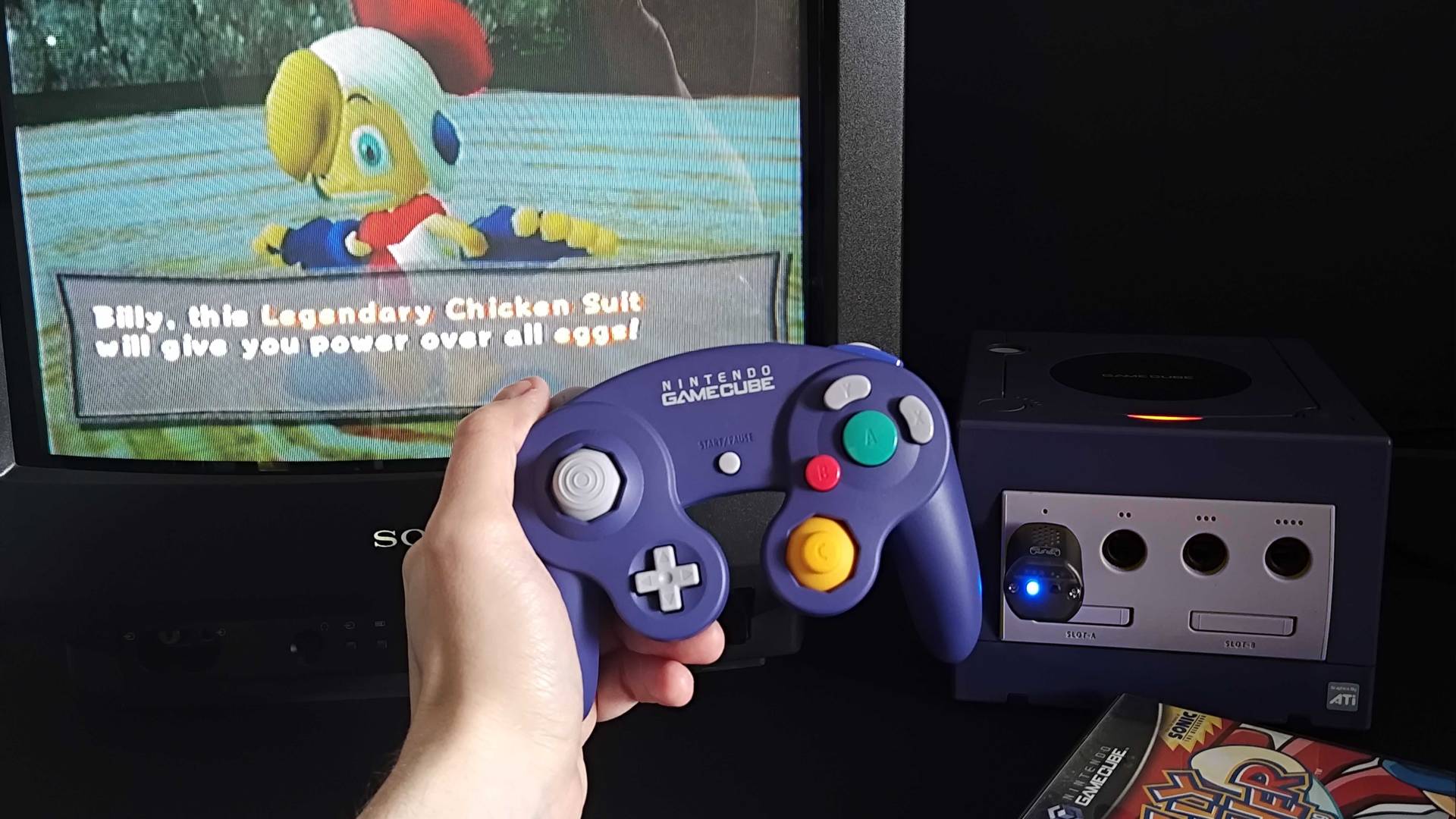
That’s not to say your experience will be hampered if you choose to play with a gaming handheld or a PC controller. The design of Ninty’s pad feels far more deliberate in-game, with the massive primary A button ready and waiting to be mashed by your thumb for egg shenanigans, one stick that cuts down on secondary distractions, and big clicky triggers.
In preparation for Easter Sunday, I’ve actually been playing the platformer using the GameCube Switch 2 controller with a Blueretro dongle. The adapter enables you to use the modern pad wirelessly via Bluetooth, and all while still getting to enjoy full rumble support that syncs with egg-rolling activities and solid connectivity. I’ve yet to experience any lag or latency with this setup, and while I haven’t fully ditched my original wired gamepads, the new version is now a permanent part of my Gamecube setup.
Using Switch 2 GameCube pads with PC and emulators right now is a bit of a pain, so unless you’re willing to experiment using the Blueretro wireless receiver and something like the Mayflash controller adapter ($18.99 at Amazon, FYI), I’d perhaps stick to something like the RetroFighters Battler GC. It’s pricer than I’d like right now at $69.95, but the time you add up the price of Nintendo’s remake pad and the required workaround dongles, it’s a more straightforward option that feels almost as authentic.
Giving Billy Hatcher an eggy graphics glow-up
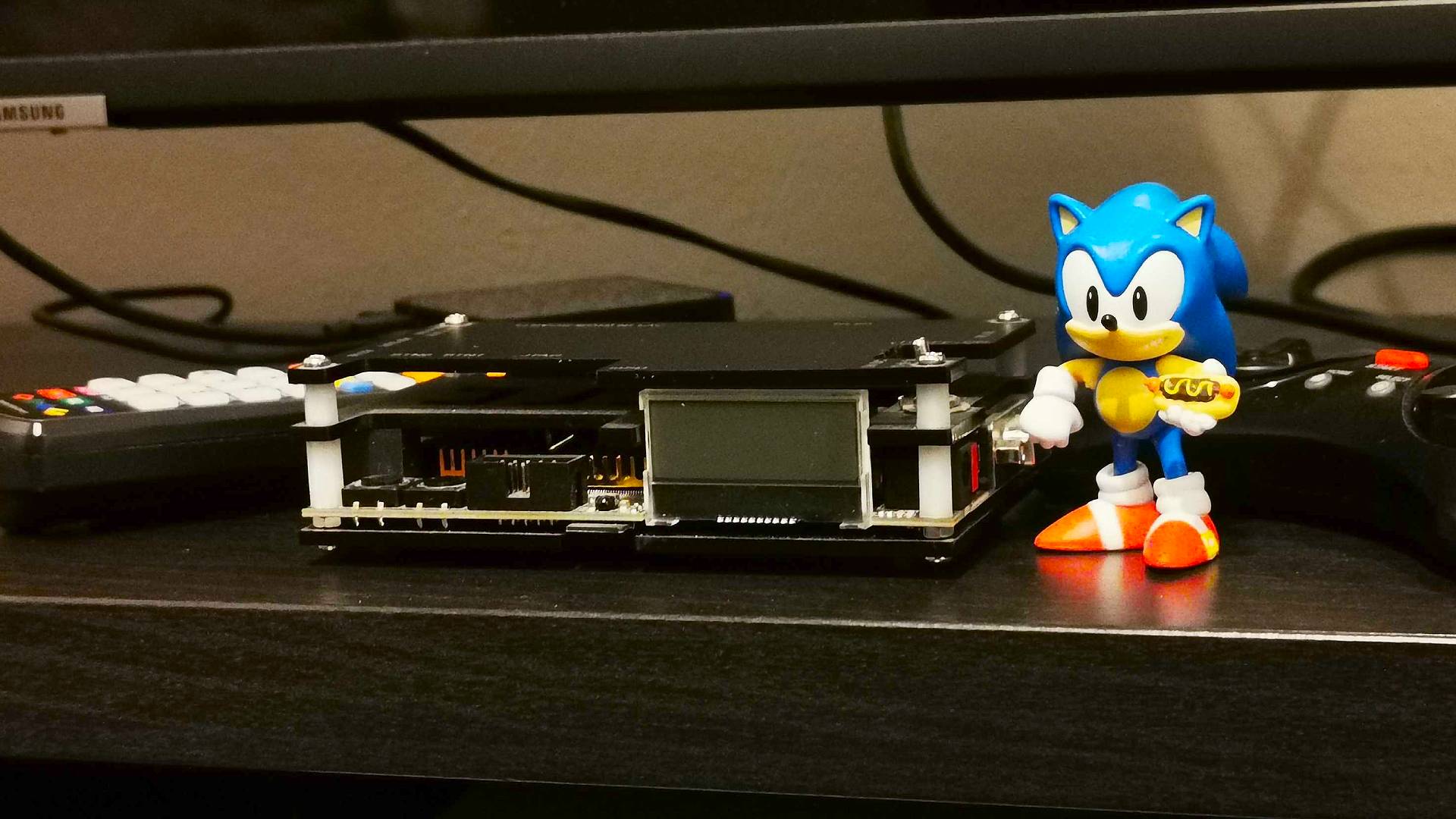
If you’ve still got a copy of Billy Hatcher and the Giant Egg, or can get hold of one on the likes of eBay, there are multiple setup paths you can roll down. The first is to simply get a real GameCube and an old CRT TV for the same experience you’d get at launch, and while that’s going to provide you with time-accurate visuals and perceived sharpness thanks to the pixel separation provided by old screen tech, I get why you might want to avoid old tube sets.
HDMI adapter | $29.99 at Amazon
OSSC upscaler | $111.99 at Amazon
ODV-GBS-C | $89.90 at Amazon
That’s exactly the reason why I’ve covered how to connect your retro console to a modern TV or monitor, as even if you opt for the OG Cube, chances are you’ll want to use it with your main screen. When it comes to Ninty’s console, you’re faced with the task of converting its RCA Composite or S-video output into something HDMI-friendly, and that means investing in an upscaler.
I personally use an Open Source Scan Converter (OSSC) with my GameCube, and it’s a fantastic scaler that uses line doubling to increase resolution. It will set you back $111.99, which is cheaper than enthusiast options by the likes of RetroTINK, but there’s a big caveat to consider if you’re in the US this time around.
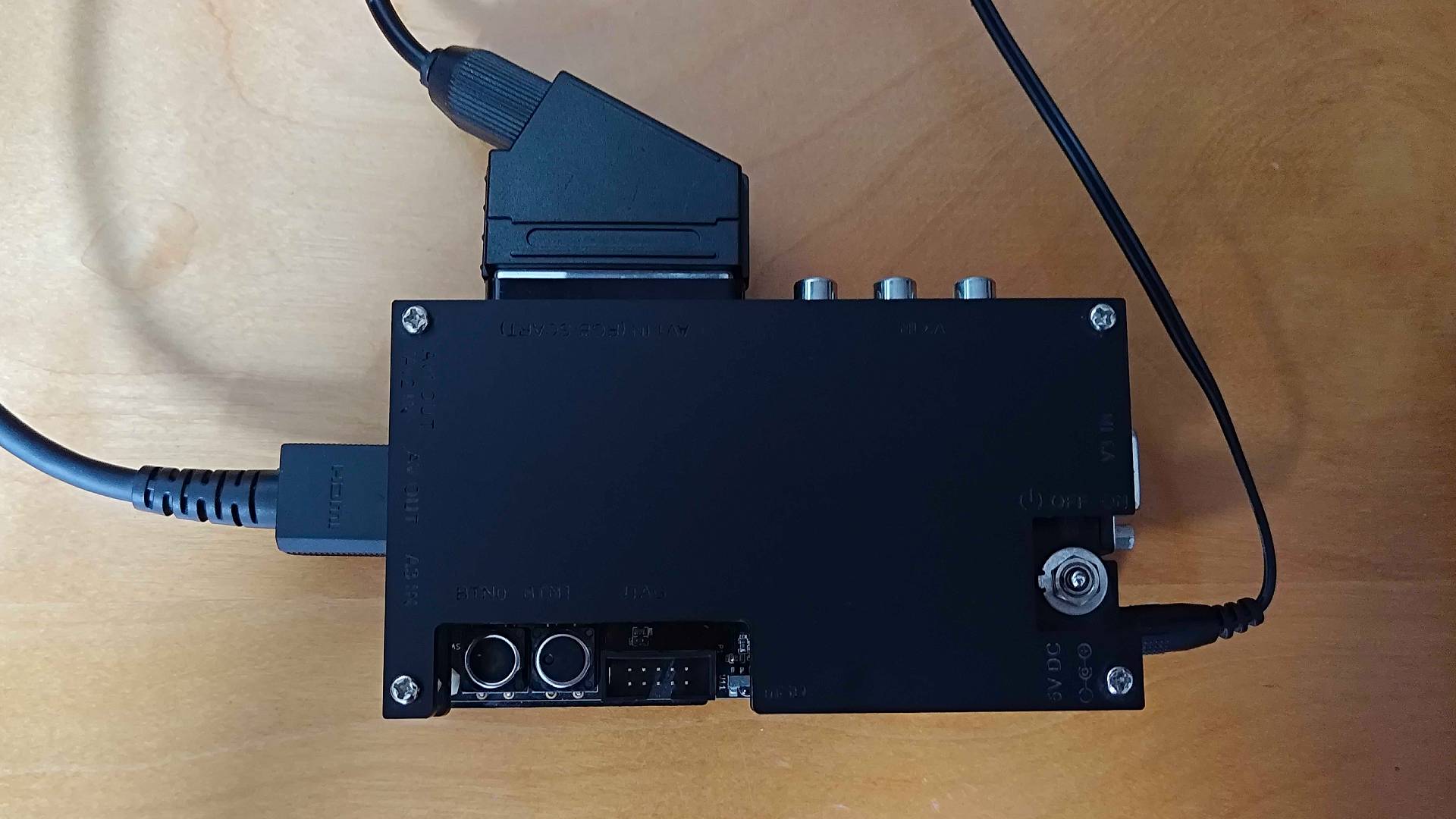
For whatever reason, NTSC GameCube consoles lack SCART output, which happens to be the default input for the upscaler in question. I happen to have a PAL unit that supports the RGB cable, and if you’re in the UK, you can directly connect to the OSSC in this manner. Otherwise, you’ll have to use a secondary transcoder to convert composite to RGB, naturally leading to a more expensive setup.
Alternatively, you can also use an RGB component cable with your NTSC GameCube. Nintendo did make an official version at launch, but it will hilariously cost you around $300 today. Newer third-party alternatives are much cheaper, with the likes of Bitfunx providing options for $45.99, and those can hook straight into upscalers like the OSSC and GBS-C.
The good news is that if you’re not worried about playing Billy Hatcher and the Giant Egg or any other GameCube exclusive with perfect scaling, there are cheaper options. Specifically, you can grab HDMI adapters for $29.99 that will let you hook straight up to modern screens, and they’re perfectly serviceable with not too much latency if you switch your TV to Game Mode.
Egg-rolling emulation
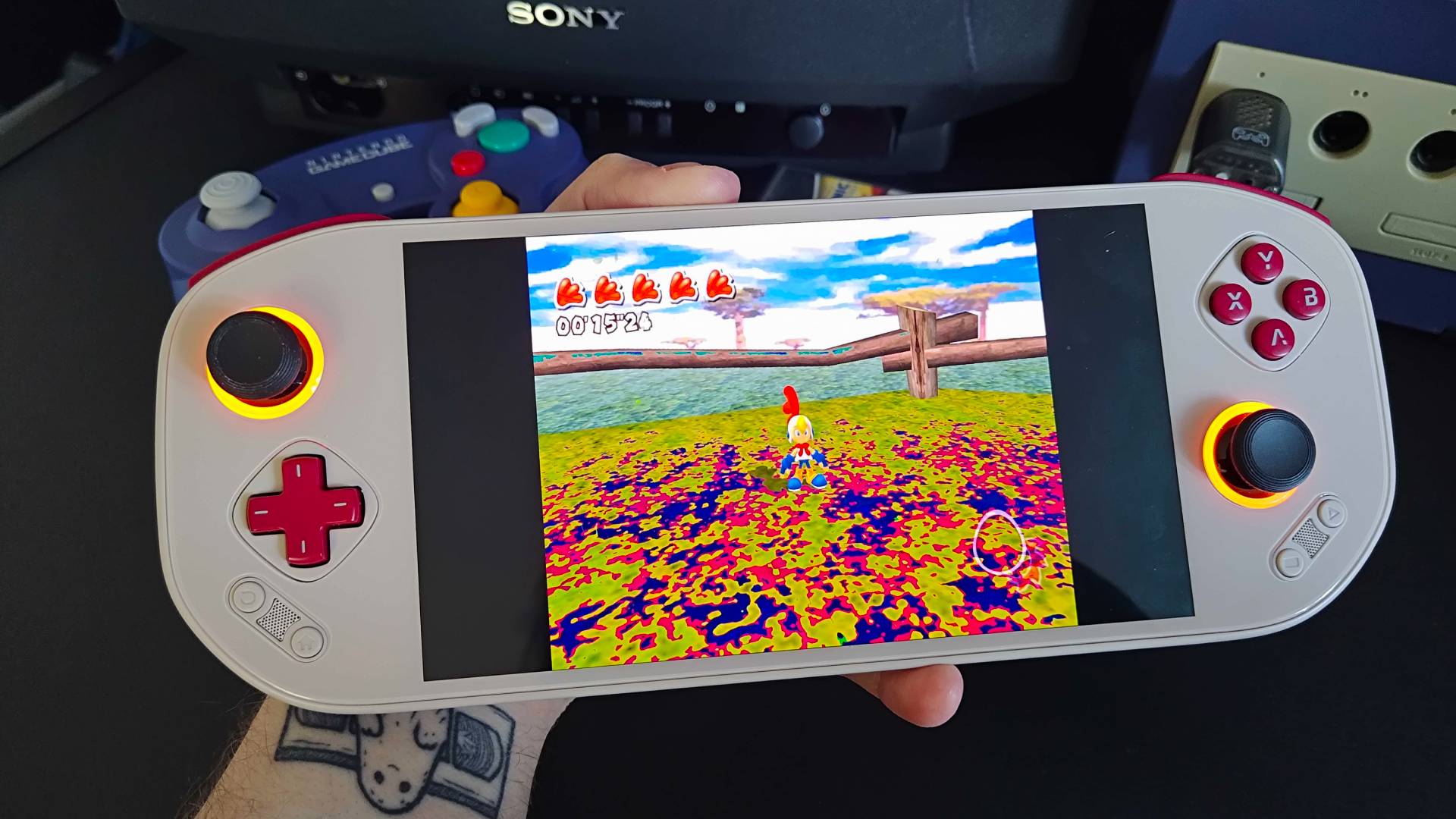
I know for a fact some of you prefer to use shiny new retro handhelds and other modern devices to play your classic collection. Providing you’ve got a physical copy backed up and ready to go, you can try and use punchier portables to embark on Billy’s eggy adventure using emulation, but your mileage may vary.
I’ve been testing the Mangmi Pocket Max for review, a Snapdragon 865-powered Android handheld. It’s going for $349.99 at Amazon right now (ouch), so it’s far from a cheap option, but it does handle Sega’s egg-rolling romp without too many cracks. The only quirks I’ve picked up on so far are some weird blue tints with specific textures, but you can resolve that in Dolphin or your specific RetroArch core of choice by disabling 24-bit color and setting texture cache accuracy to “safe”.
The Pocket Max can scale up GameCube games like Billy Hatcher and the Giant Egg to match its 1080p screen without a hitch. If you’re armed with a cheaper portable like the Anbernic RG Cube, though, it’s not going to run at full speed even at original resolution without some manual intervention, and that will only get you so far.
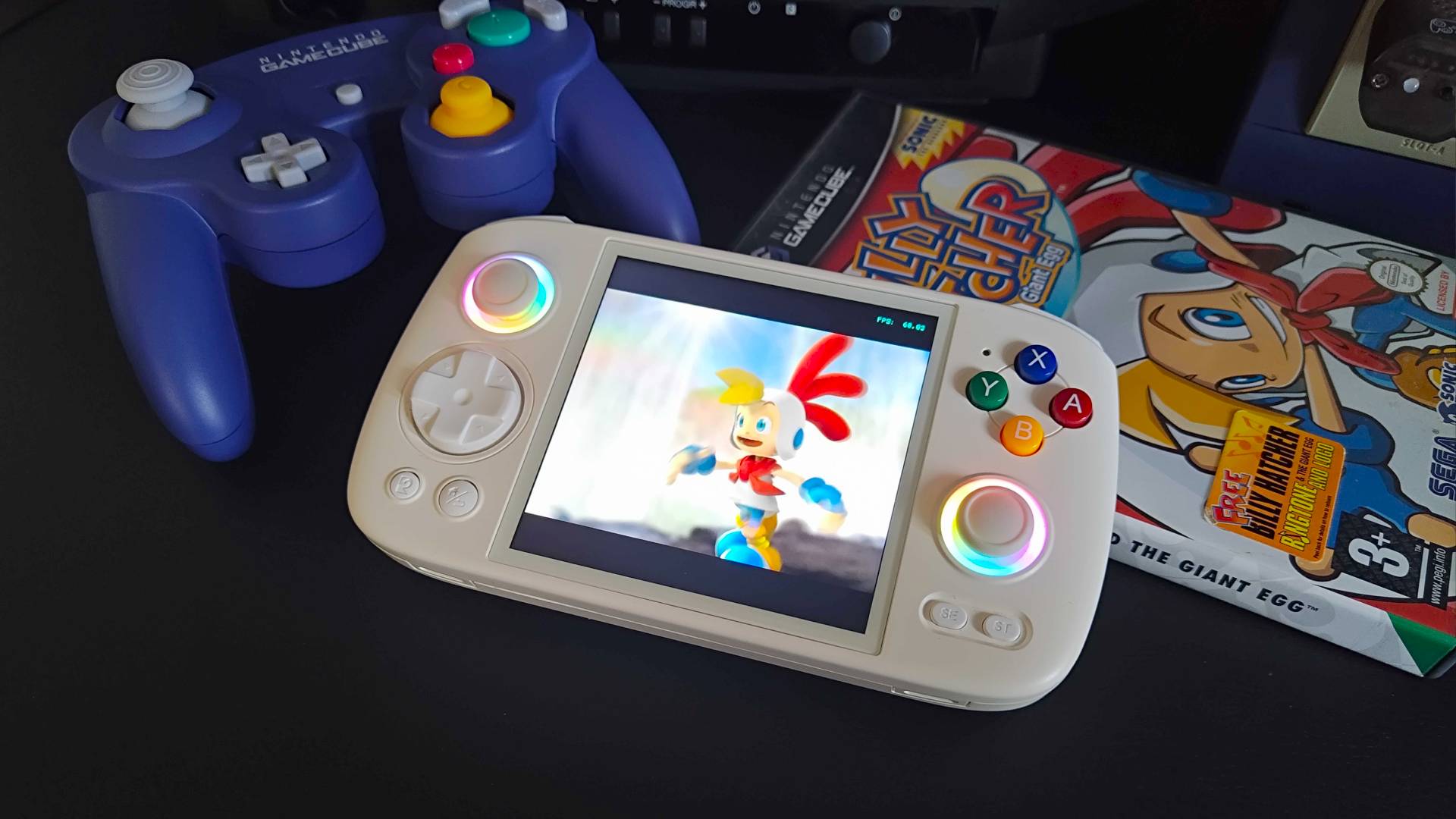
Ultimately, you’re going to have a harder time running GameCube games on budget handhelds at full speed. There are a few tricks you can try to really push things on some portables, like using a PAL ROM designed to run at 50fps or use speed hacks. If you do have a device that has some success with Dolphin emulation, however, I’d take a crack at running Billy Hatcher and the Giant egg just in case it plays nice.
Regardless of how you choose to dive into Sega’s oddball platformer, should you decide to this Easter, my actual aim is to get you thinking about experiencing GameCube games you missed. Whether that’s via real hardware or emulation tricks is up to you, but it should be the start of your journey on an older platform with plenty of releases to revisit.
Who knows, maybe Billy Hatcher and the Giant Egg will become your new obsession, or maybe you’ll just think I’ve cracked.
Using Valve’s handheld for classic capers? Swing by the best Steam Deck docks to harness the portable’s hybrid abilities.